
See where any website is hosted
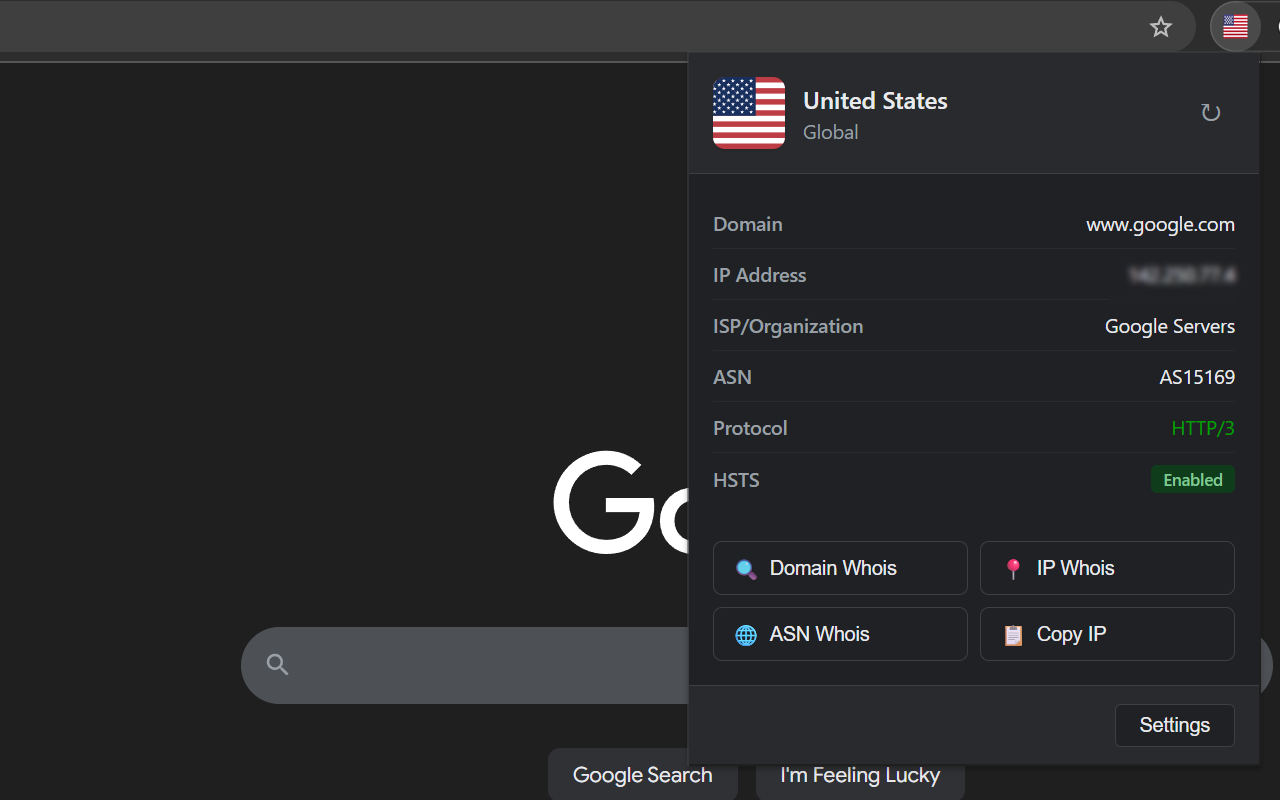
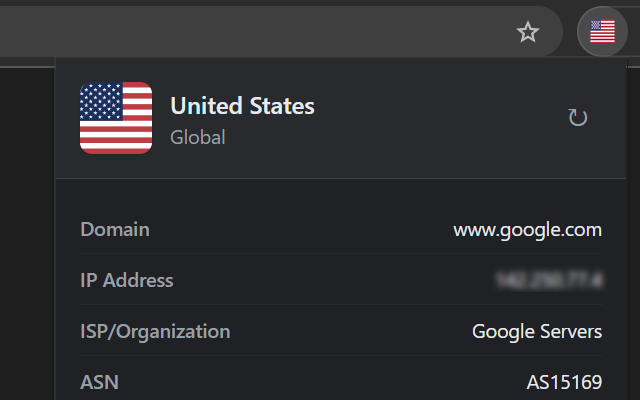
Flagium puts the server’s country flag in your Chrome toolbar. One click shows the IP, ISP, ASN, protocol, and HSTS status.
The icon is the answer
The flag updates by itself as you browse. If a site you host in the US suddenly flies a German flag, you’ve spotted the CDN routing problem before opening a terminal.
The protocol readout doubles as a quick check that HTTP/3 is really enabled on your own deployments.
Built for network debugging
One-click WHOIS
Lookup buttons for the domain, the IP, and the ASN, right in the popup. Copy the IP with one more click.
Custom actions
Add your own buttons with URL templates. Point them at RDAP.SS, bgp.tools, Shodan, VirusTotal, or anything else you look things up on.
Cached, locally
Results are cached in your browser, from 1 minute to 24 hours, so repeat visits don’t hit the geolocation API. The cache never leaves your machine.
Speaks your language
English, Simplified and Traditional Chinese, Japanese, and several other languages, following whatever your browser is set to.
No tracking, no analytics, no data collection.
The only network request Flagium makes is a geolocation lookup for the server’s IP. Everything it stores stays in your browser. Read the privacy policy, it’s short.
Free and open source
No API keys, no subscriptions. Works with Chrome, Edge, Brave, Vivaldi, Arc, and other Chromium-based browsers.